Advertisement
Click to download now, finish the installation quickly, and directly unlock the all-round experience
Advertisement
Screenshots
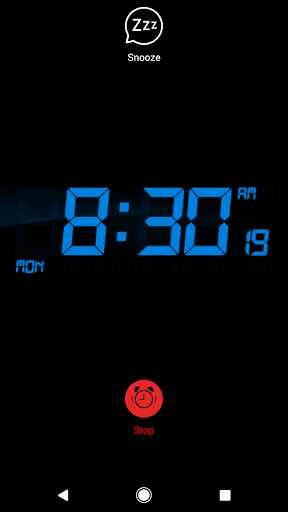
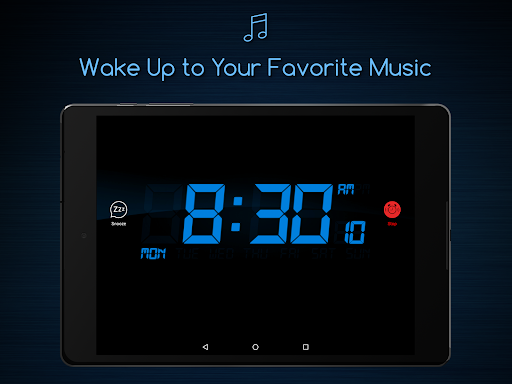
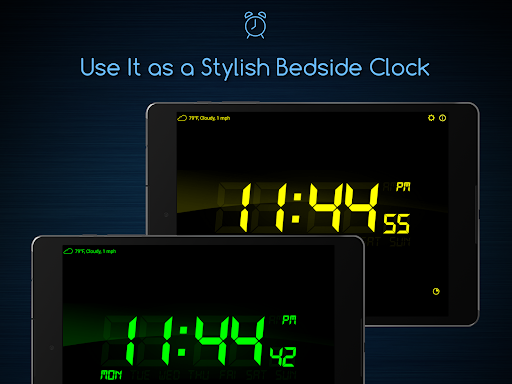
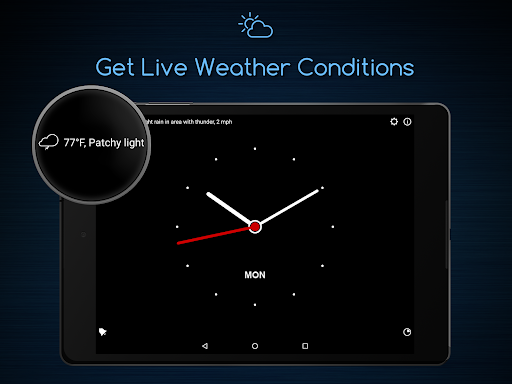
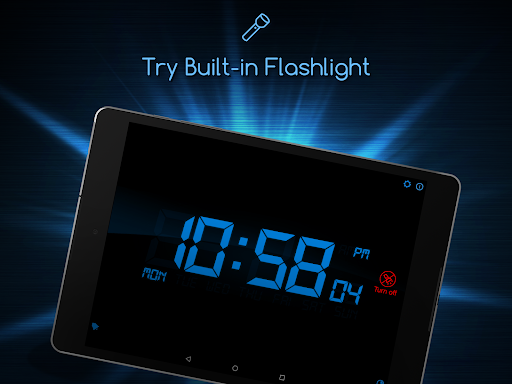
Click to download now, finish the installation quickly, and directly unlock the all-round experience
Alarm Clock for Me turns an Android phone into a set of alarms, a bedside clock and a basic sleep timer. It suits people who want several wake-up times or prefer music and gradual waking over a single standard alarm. The app is by Mosaic Srl; its 50,000,000+ installs and roughly 4.2-star rating across 825,000+ reviews show a large audience, though ratings alone can’t tell you whether its alarm options fit your routine.
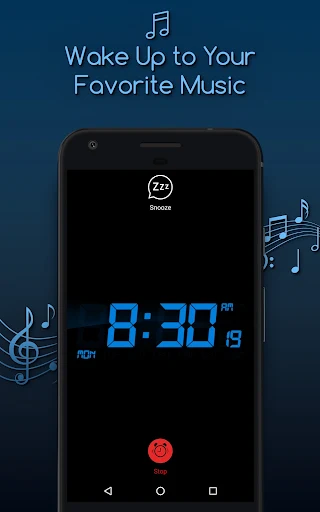
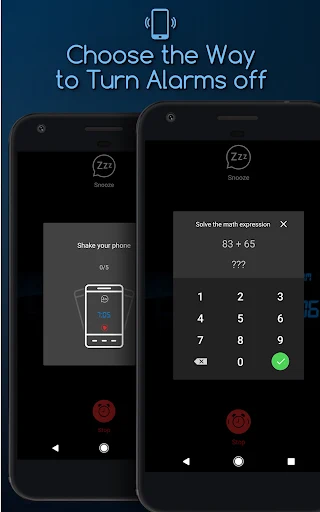
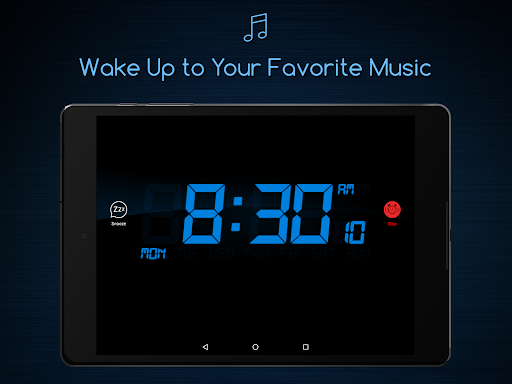
You can set multiple alarms, choose music for them, and adjust options such as snooze, vibration and a gradual fade-in. A math challenge or shake can make dismissal less automatic. Those choices are useful if you tend to silence an alarm half-asleep; if you just need a set time and a sound, you can ignore them. Music & Audio access is optional, but needed if you want to select your own audio.
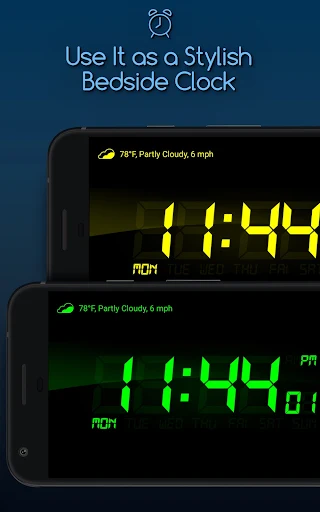
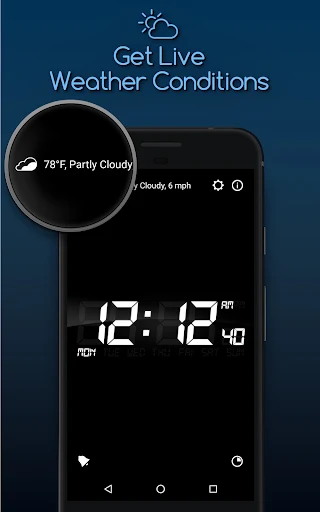
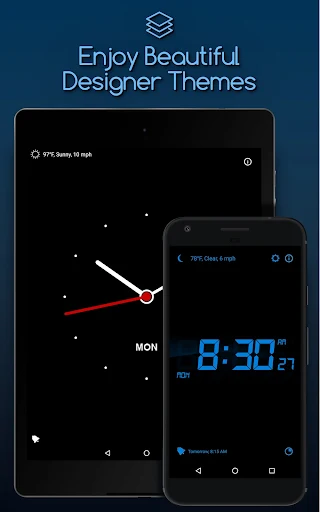
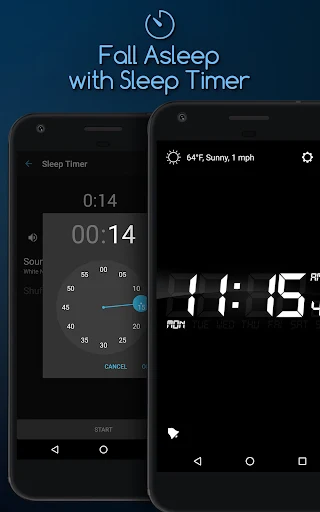
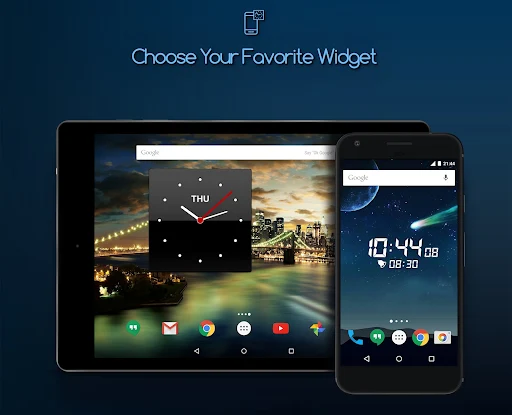
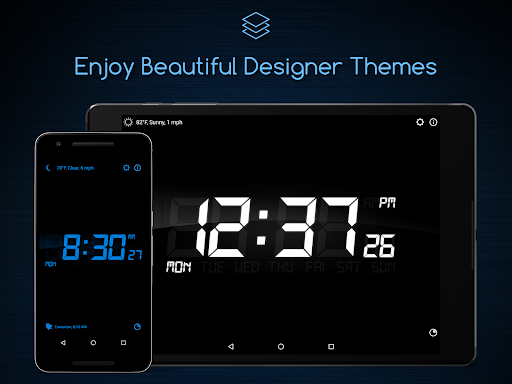
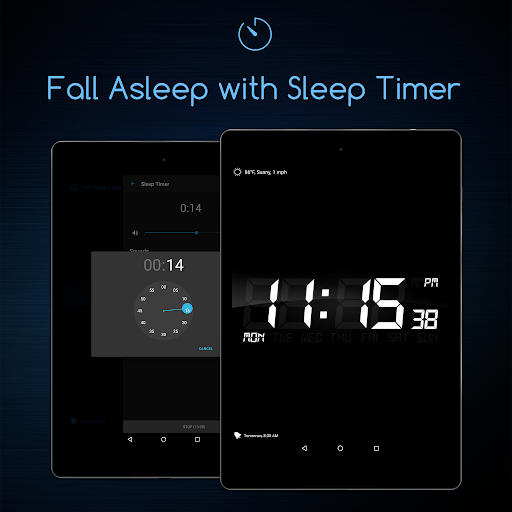
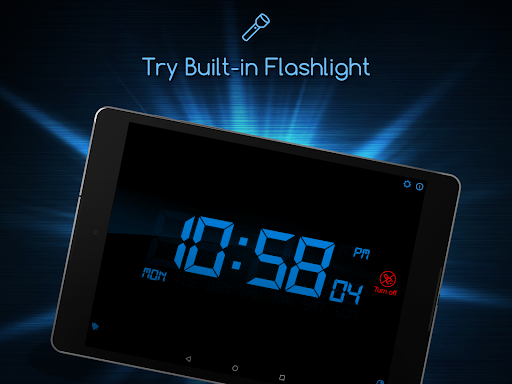
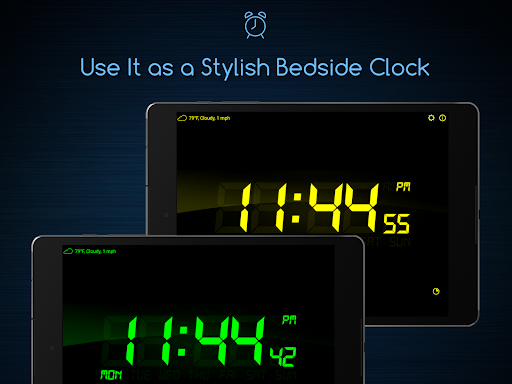
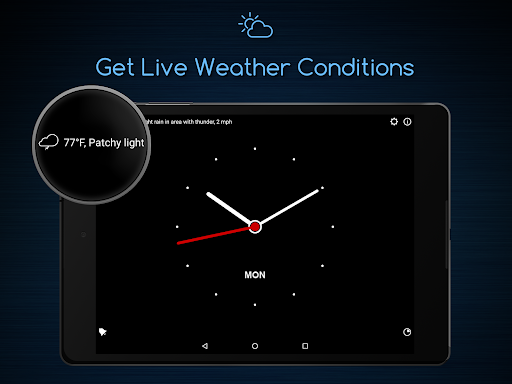
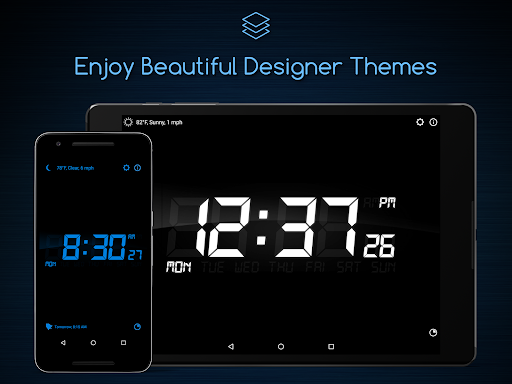
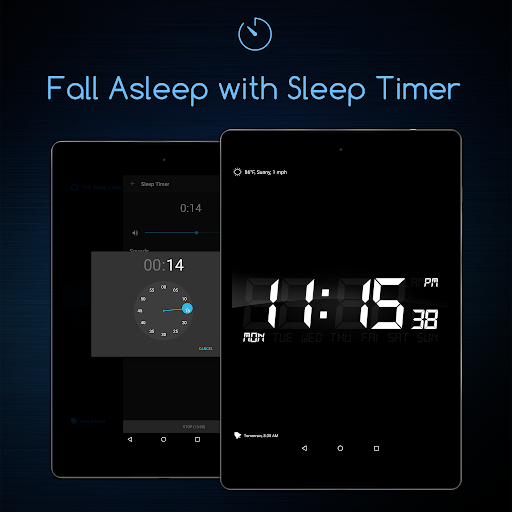
Nightstand mode keeps a clock view available while the phone is charging, and brightness controls help reduce glare in a dark room. Home-screen clock widgets show the time without opening the app. A sleep timer can stop music or sounds after you’ve settled in. Weather information can help with a morning check, but location access is optional and only needed for automatically selected local forecasts.
Notifications are required for alarms and timers to ring. The app says alarms can sound when it is not running, but it still depends on Android allowing its notifications. Calendar access is optional for linking alarms or timers to events; camera access is optional for using pictures in countdown timers. A bedtime reminder and a gentle pre-alarm are available if you want help setting a sleep routine, but they’re extras rather than requirements for the clock’s basic use.