Advertisement
Click to download now, finish the installation quickly, and directly unlock the all-round experience
Advertisement
Screenshots



Click to download now, finish the installation quickly, and directly unlock the all-round experience
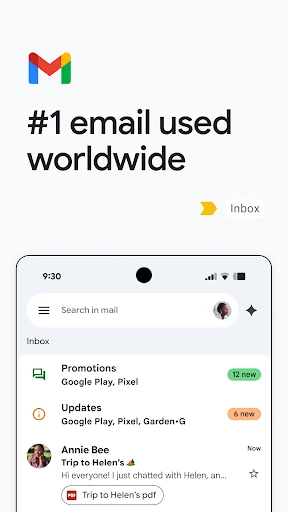
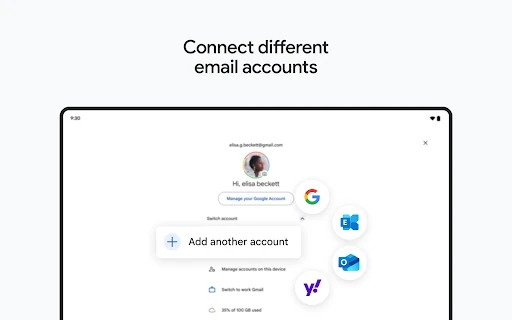
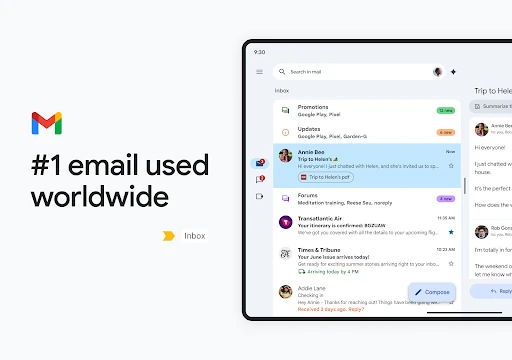
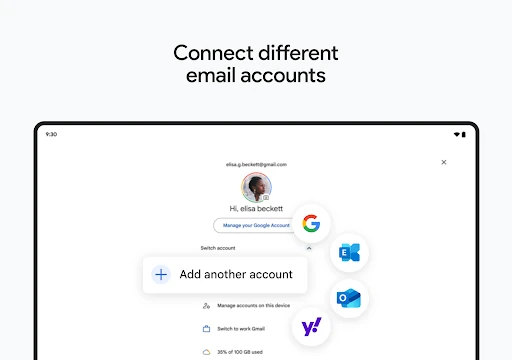
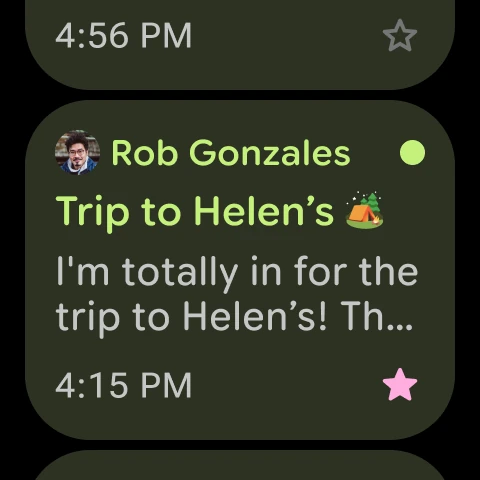
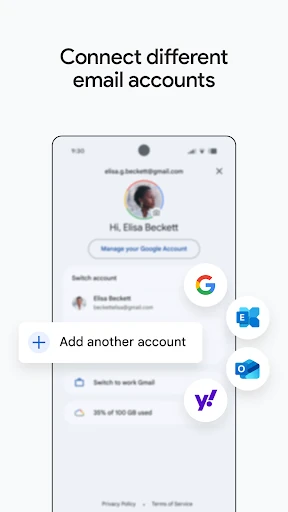
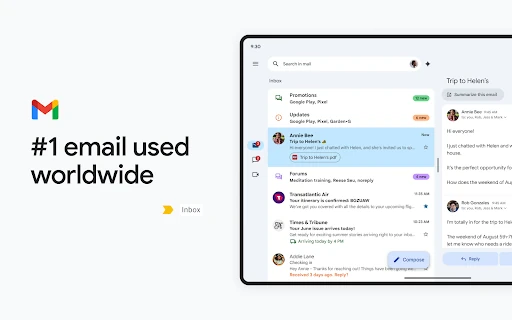
Gmail is Google’s email app for reading, writing and keeping track of messages on Android. It suits people who manage personal or work correspondence on a phone, especially if they already use a Google account. You can keep more than one email account in the app, so switching between inboxes need not mean switching apps.
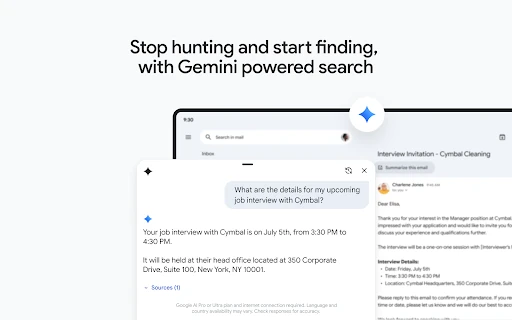
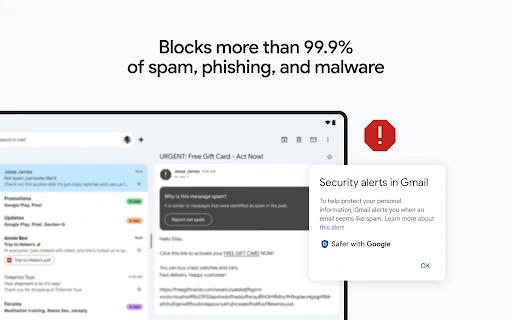
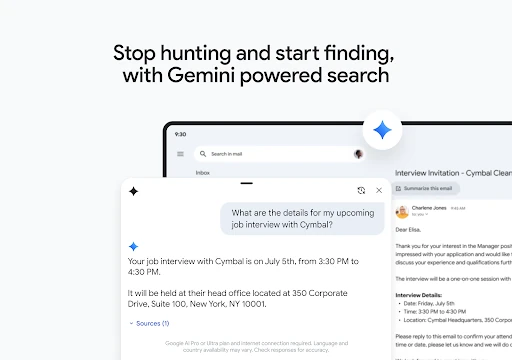
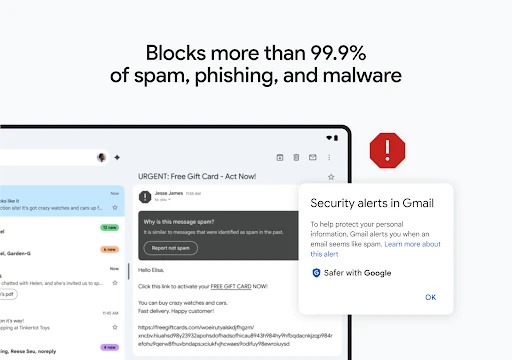
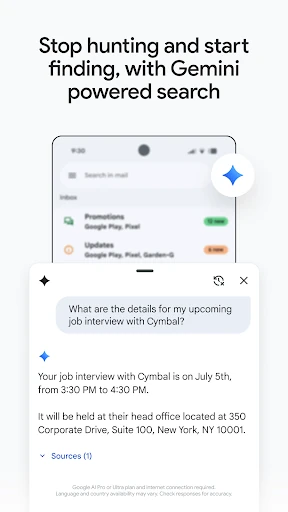
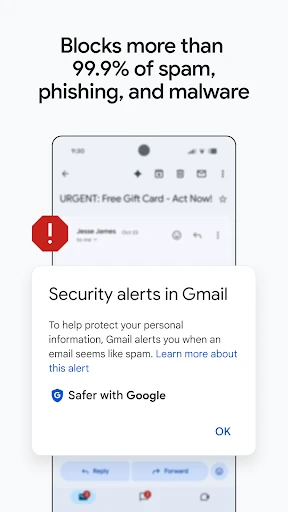
Search helps when you need an older message but do not remember where it sits in the inbox. Gmail can also sort incoming mail into categories and filter suspected spam. These tools reduce routine inbox scanning, but they are not a substitute for checking important messages: a useful email can land in an unexpected category, and spam filters can make mistakes.
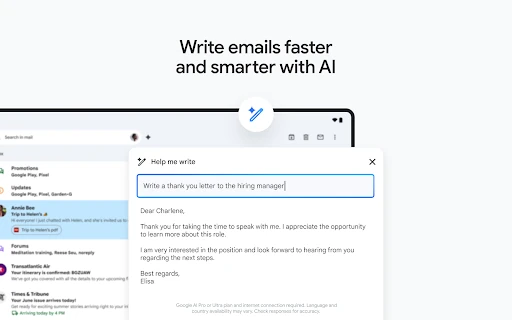
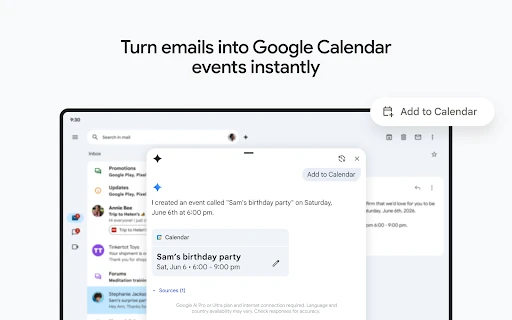
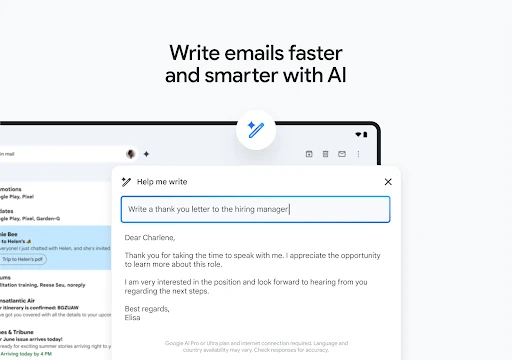
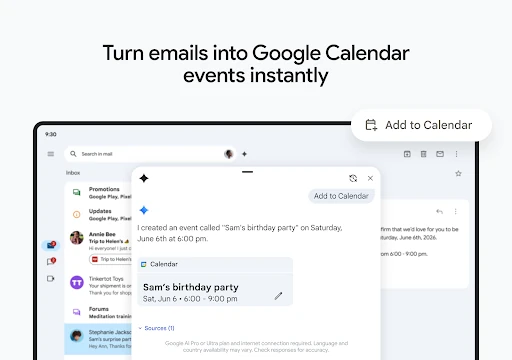
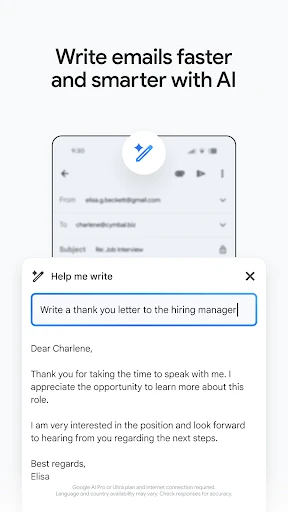
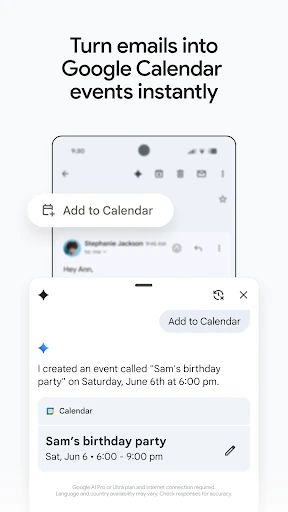
Gmail offers suggested replies and writing assistance to help with short responses or a first draft. They are optional; review suggestions before sending, particularly when details or tone matter. Some AI writing features may depend on account access or availability. Gmail also connects with Google services such as Calendar and Meet, which can make it easier to act on an invitation or meeting-related message without treating email as a separate island.
The app is developed by Google LLC and has a 4.1 rating from about 14.2 million reviews, with 10 billion-plus installs. Those figures show its broad reach, not whether its inbox style will suit you. Gmail is a practical fit if you want search, spam filtering and several accounts together. If you only check email occasionally, you can ignore the writing suggestions and connected services and use it for the basics.