Record notes, conversations and interviews
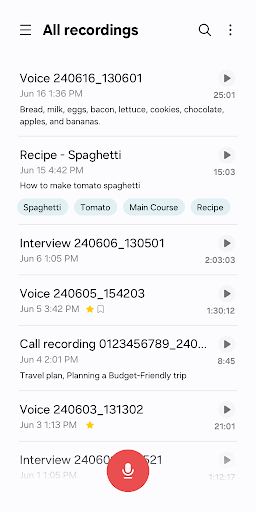
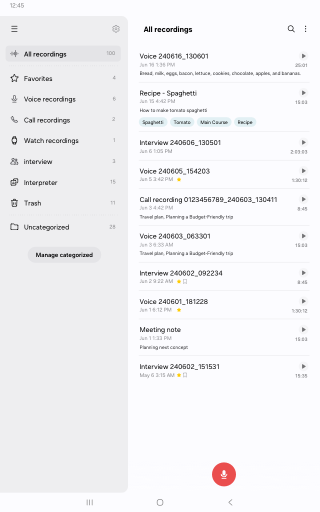
Voice Recorder from Samsung Electronics Co., Ltd. captures speech and other sounds, then lets you manage and edit the recordings. It suits quick voice notes as well as interviews where you may want to revisit particular moments. The app can be used with a Galaxy phone, tablet or watch, though available features depend on the device.
Choose how to capture a conversation
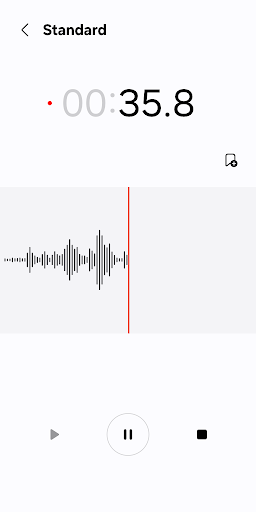
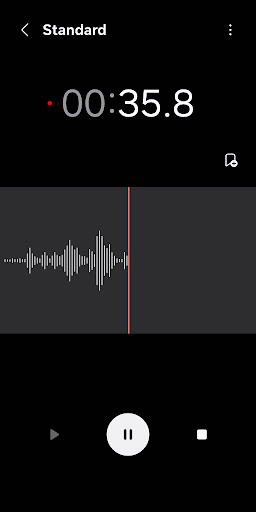
General mode records with a waveform so you can see the sound as it comes in. Interview mode uses the phone’s top and bottom microphones to capture two voices, with separate waveforms and playback for each. That can help when you want to listen to one speaker again, but it depends on the phone having the supported microphones and interview feature. Recording can use the built-in microphone, a Bluetooth headset or a compatible external microphone.
Find the useful parts later
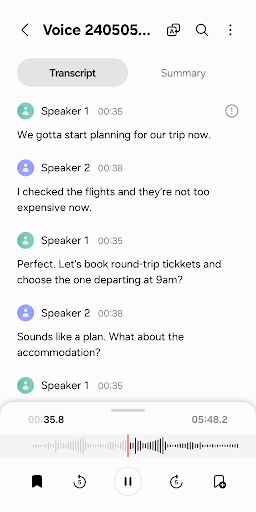
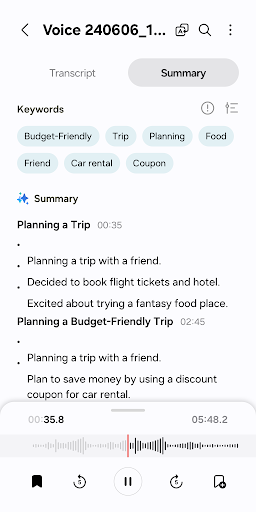
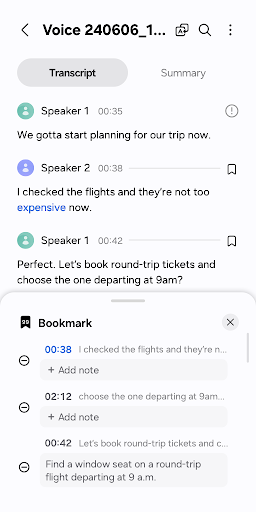
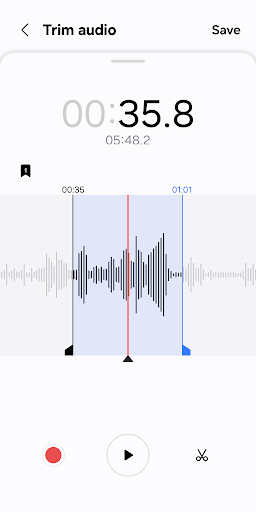
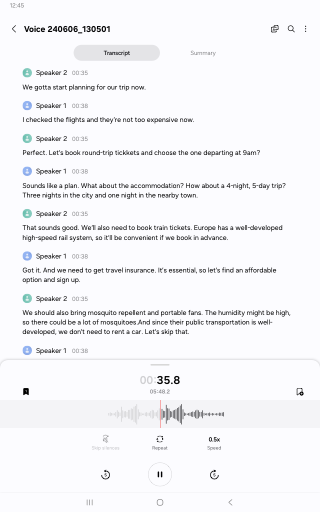
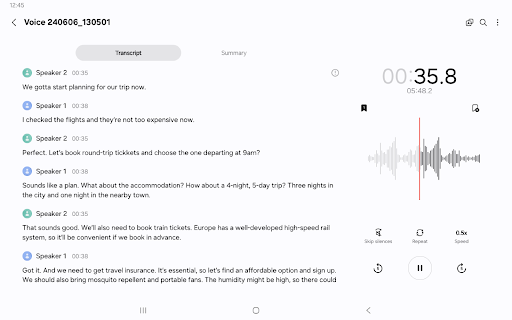
Add bookmarks while recording to mark moments worth returning to. You can jump to those points, or collect and play just the bookmarked snippets. The app also supports editing transcribed text from audio and sharing selected audio or text through other apps. These tools are most useful when a long recording has a few important sections; they are optional if you only need a simple recording.
What access it needs
The app requires microphone access to capture sound and Music and audio access to save recordings. Bluetooth microphone recording may need Nearby devices permission; notifications are used for recording or playback alerts. Contacts permission relates to handling calls during a recording, and Call log access is for importing call-recording files. Those optional permissions are not needed for basic recording.
Its 4.0-star rating from about 295,000 reviews and 1 billion-plus installs show broad use, but do not guarantee every feature is available on your device.